
Homestay
Homestay listing
Example concept
Core service
We set up your homestay on the major booking platforms, with optional calendar sync and training so you can run it yourself.

Who this is for
Our airbnb setup service is for homestay and vacation-rental owners who have a property but have never sold rooms online, or who tried once and stopped because it meant too many accounts, too many calendars and too much to learn at the same time. We build your listings on the booking platforms that matter, and offer optional calendar sync to keep them in step and optional training so you can run everything yourself. You finish with a working setup and, if you choose training, the know-how to keep it working, not a dependency on us.
This is a setup service, with optional calendar sync and training. We set up your listings with you, and after that you run them yourself. Anything that has to happen at the property itself stays with you, and the section on what is not included says exactly where that line sits. We work with owners anywhere in the world, in English.
Platforms
Which platforms make sense depends on your property and your guests, so we choose them with you in the first conversation. These are the ones we set up most often. We are an independent agency: the platform names are used only to describe what we set up, and we are not affiliated with or endorsed by any of them.
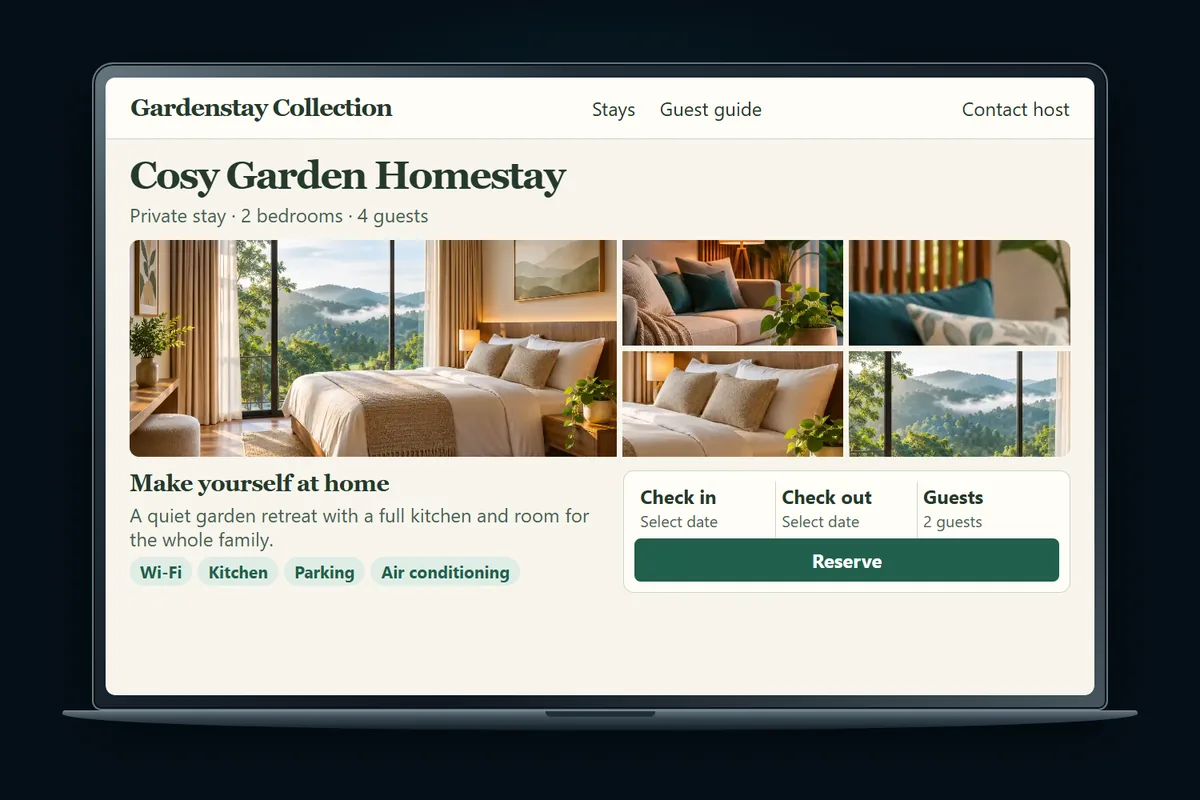
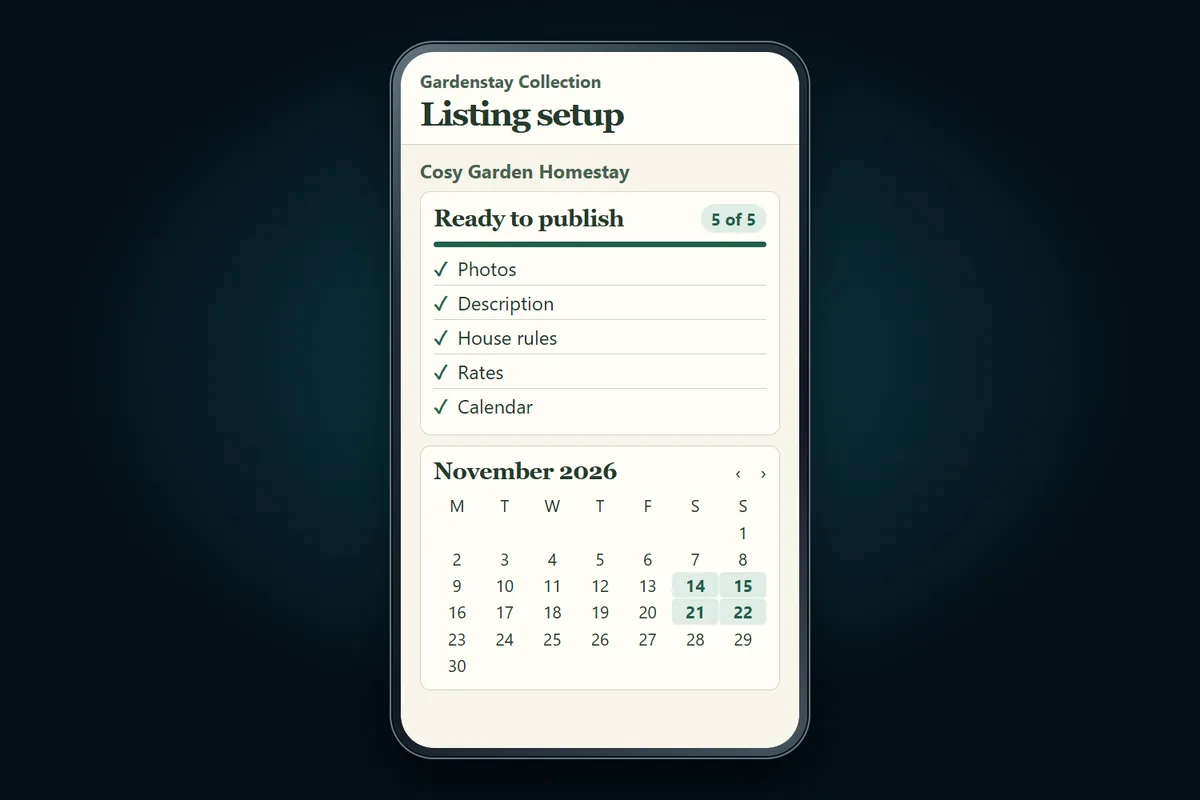
Illustrative mockups, not a final design. Your design is agreed in your project scope.
How it works
The order matters. Platforms, and the channel manager if you use one, are chosen before any listing is written, so nothing has to be rebuilt later. Each step ends with something you can see and check.
Step 01
We start with a conversation about your property, your guests and what you want to be able to do yourself. This is where we find out how many room layouts you have and what you already use.
Step 02
Together we decide which booking platforms to list on, and, if you want calendar sync, which channel manager will keep them connected. We explain the options plainly, including what each one costs you to run.
Step 03
We create the accounts in your name and build each listing using the photos you supply: description, amenities, house rules, rates and availability.
Step 04
If you use a channel manager, we connect each platform to it so calendars, rates and availability stay aligned. You keep your own subscription.
Step 05
One or two online sessions on running your setup yourself, covering the calendar, rates, messages and listing improvements.
Step 06
After setup, you can come to us with questions as real bookings and real situations come up.
Illustrative examples, not completed client projects.
Homestay
Example concept
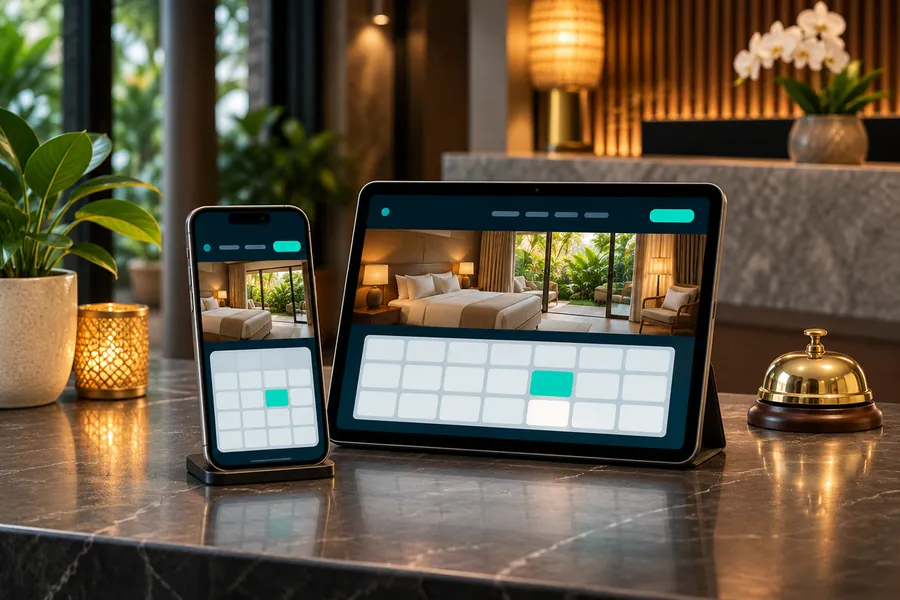
Booking
Example concept
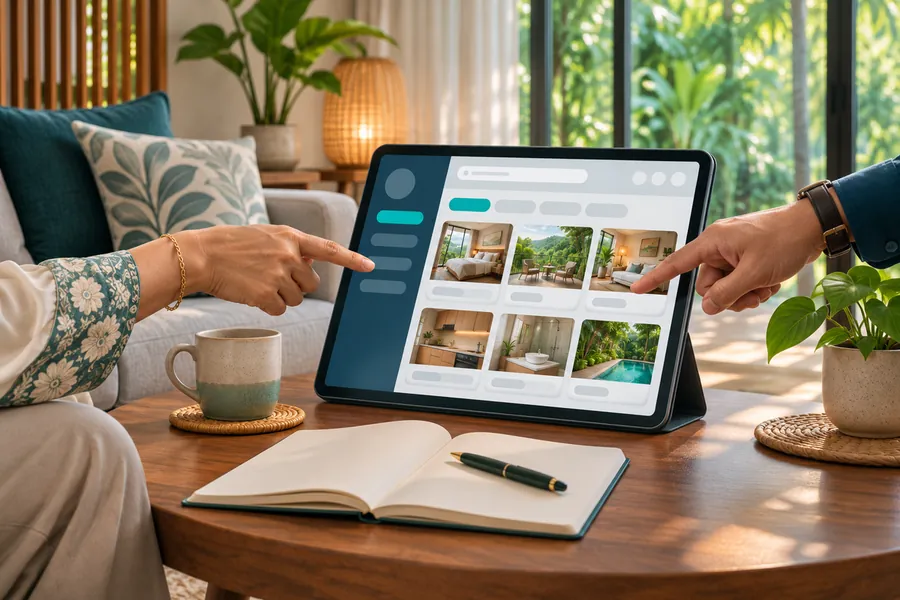
Training
Example concept
Common questions
Use our instant estimate calculator to see a price in about two minutes. We confirm every final quote.
You do. Every account is opened in your name, and payouts go to your own bank account. iWON never holds your money, and the property and its listings remain yours.
If you want calendar sync, you need one professional-grade channel manager. If you do not have one, we recommend our preferred tool and help you set it up. If you already use one, we check it first and can work with it if it suits. Either way, the subscription is paid by you directly to the provider.
Tell us where they are. We look at what you have and decide with you whether to keep, improve or rebuild each listing, then, if you choose calendar sync, connect everything through the same channel manager so the calendars agree.
You supply your own listing photos. We do not take photographs. We will tell you in the consultation what to prepare.
You run the setup yourself, which is what the optional training is for. If you want more help after that, it is available at an additional charge. Written SOPs are also available as an optional add-on, for an extra fee.
No. This service sets up your listings and, if you choose, trains you to run them. We do not operate the property, handle guests or manage bookings on your behalf, and we do not provide housekeeping or any on-site work.
Units with the same layout are set up together. A different layout is listed separately. Airbnb is counted per unit. Describe each layout in our calculator or when you request a quote.
It depends on the number of platforms and the number of property types, so we give you a realistic timeline once we know both.
More details
Channel manager
If you list the same property on several platforms without connecting them, a night booked on one stays open on the others. That is how double bookings happen. Basic airbnb calendar sync between two platforms can cover a very simple case, but a vacation rental channel manager is built for the job: one place for your calendar, rates and availability, passed on to every platform you use. Calendar sync is optional, and priced separately.
Training
The setup is only half of the job. The other half is you being able to run it on a normal week without calling anyone. The optional training is built around that.
The one or two online sessions, your choice, cover the day-to-day: reading your calendar, answering guests, and changing rates. They also cover airbnb listing optimization, meaning how to read your own listing the way a guest does and improve the title, description and photo order over time. We also explain how pricing tools such as airbnb dynamic pricing work, so you can decide for yourself whether and when to use them. Think of it as the guidance an airbnb consultant would give you about your own property, handed to you to keep. Training and support are provided.
If answering guest messages is the part you would most like to hand off, our AI Agent & Chatbot Development service can automate guest message replies. It is a separate service, and it works best once your listings are already running.
Scope
This is an online service. We would rather be clear about the edges now than have you find them later. The following are not part of what we do:
Pricing
Your price depends on three things: the booking platforms you choose, how many different room layouts you have, and which extras you want.
Units with the same layout are set up together, so extra identical units cost little. A different layout is listed separately.
Airbnb is counted per unit, because Airbnb usually has one listing per unit.
Calendar sync and training are optional extras, priced separately. The channel manager subscription is separate and paid by you directly to the provider.
We confirm every final quote.
Ready to get your homestay listed? Tell us about your property.
Tell us what you need, and we will propose the right scope.